The Pitch
Symmetry Lab turns the simplest gesture into a beautiful pattern. Draw one line and the app mirrors and rotates it live so your touches expand and blossom into intricate patterns. No artistic skill is required; that is the entire idea, and it is why the app has been quietly loved by hobbyists, teachers and kids since 2009.
Beneath that one disarming idea is a deep toolkit: color gradients that shift as the stroke travels, textured brushes, snap-to-grid modes — square, hexagonal, slanted, torus and fisheye — for patterns that feel almost engineered, pinch-zoom for fine detail, and an autonomous generator that draws on its own while you watch.
What’s New
Symmetry Lab has been on the App Store since August 2009. This past year it was rebuilt with:
- An in-app gallery to save your work, not screenshot it.
- Time-lapse video export — replays a finished piece being drawn from its first stroke.
- A new color engine — custom gradients, and a paper-white background mode.
- Full iPad landscape, in all four orientations.
- Pinch-zoom for fine detail.
- An interface rebuilt for iOS 26’s Liquid Glass.
Accessibility
A drawing canvas is one of the harder things to make accessible, because the interaction is the gesture. Rather than bolt labels onto the buttons around it, the canvas itself is a first-class VoiceOver element.
- A VoiceOver user draws on it directly with a finger instead of fighting the cursor.
- It speaks the live state of the artwork in plain English so you always know what the next stroke will do.
- It exposes VoiceOver rotor actions for Undo, Redo, Erase canvas and Set symmetry center.
- Text sizing reflows the interface rather than merely enlarging it.
Seventeen Years
When Symmetry Lab moved from a paid app to free-with-Pro this year, every original purchaser going back seventeen years was honored — silently, at launch, with no receipt to find and no button to press. One of them left a five-star review titled, simply, “Trust.”
What People Say
It’s impossible NOT to make something look cool with this app.
The most relaxing, blissful, distracting, and mind numbing app I’ve ever had… good for people who like an exact balance of chaos and structure. I come home stressed from school and this just takes my mind off of it for a while so I can breathe.
The colors add up as light, so as you add more colors together they end up appearing white. It is a very nice aesthetic choice… The options are well designed and clearly laid out. Overall, it’s a very well designed and satisfying app.
I’ve had this app for a long time and I probably use it more than any other one. Get it if you like making intricate shapes and designs.
White background and custom gradients are a big upgrade.
Demo Video
A short demo loop · 926 × 1920 · H.264 MP4 · download
Get Symmetry Lab
Fast Facts
Screenshots
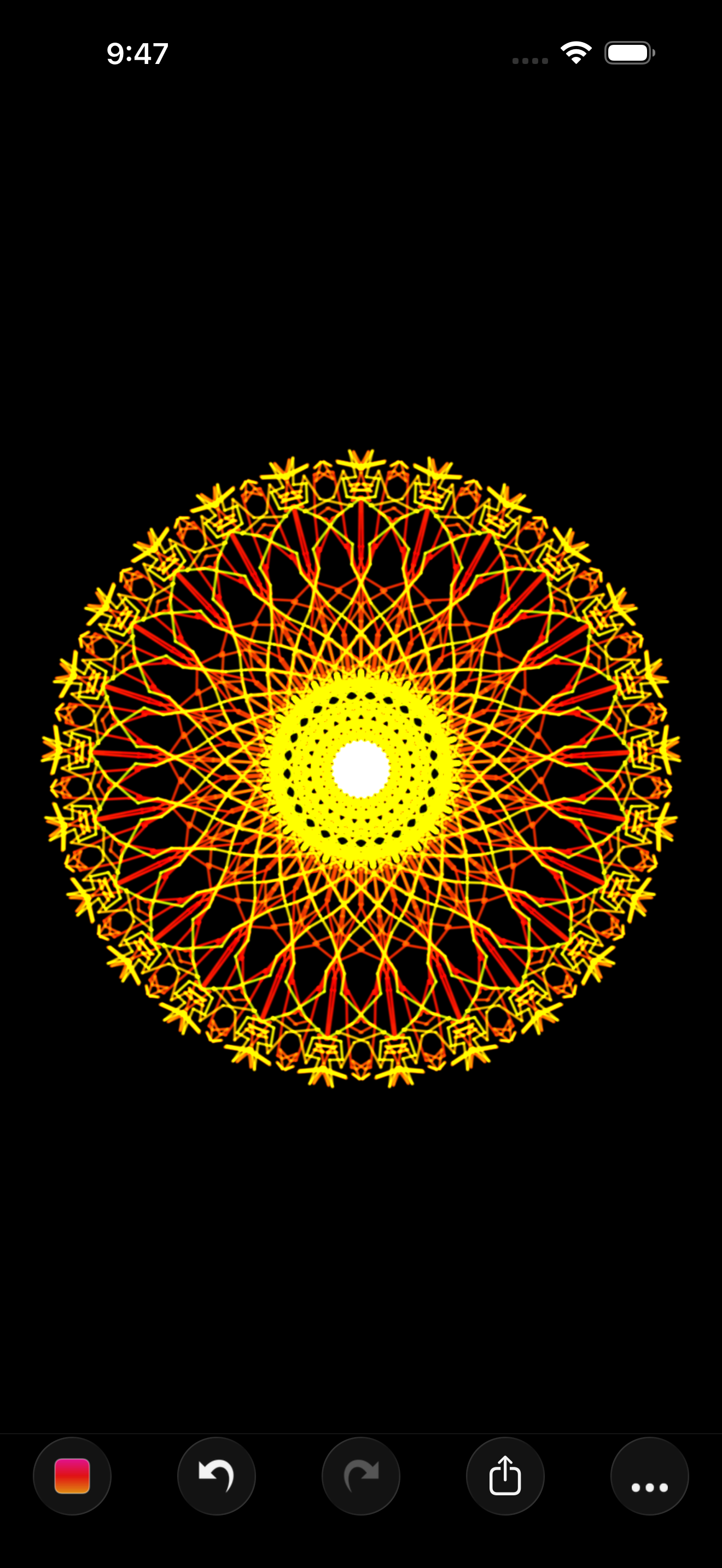
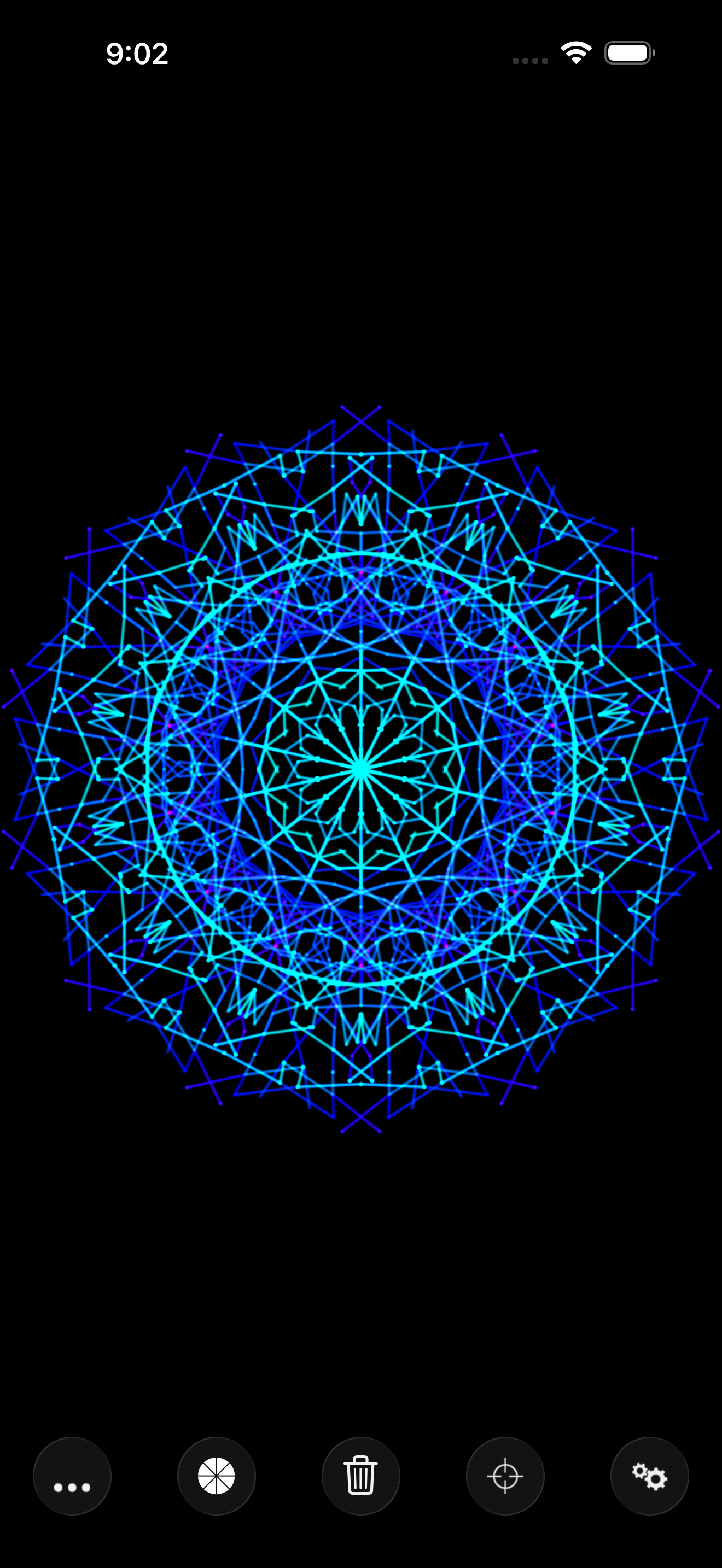
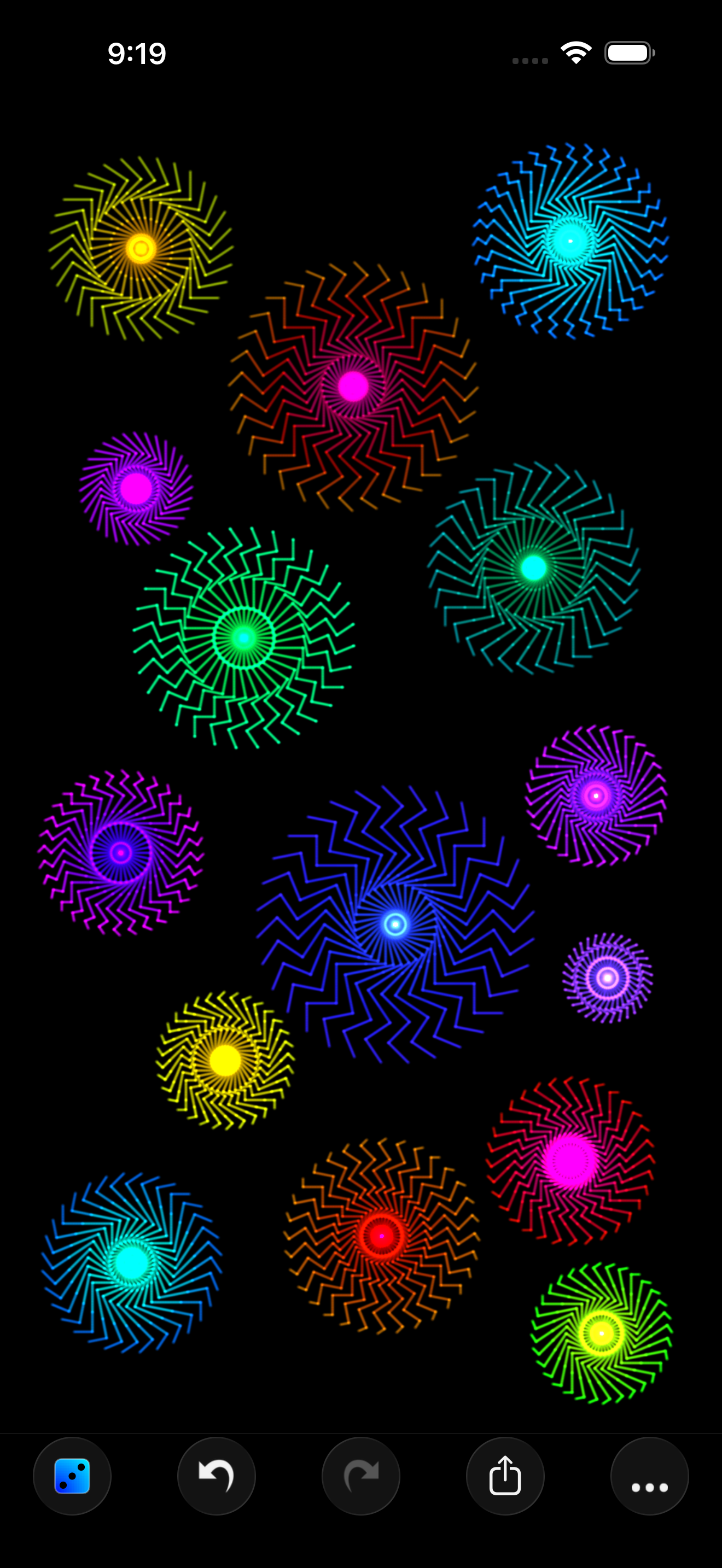
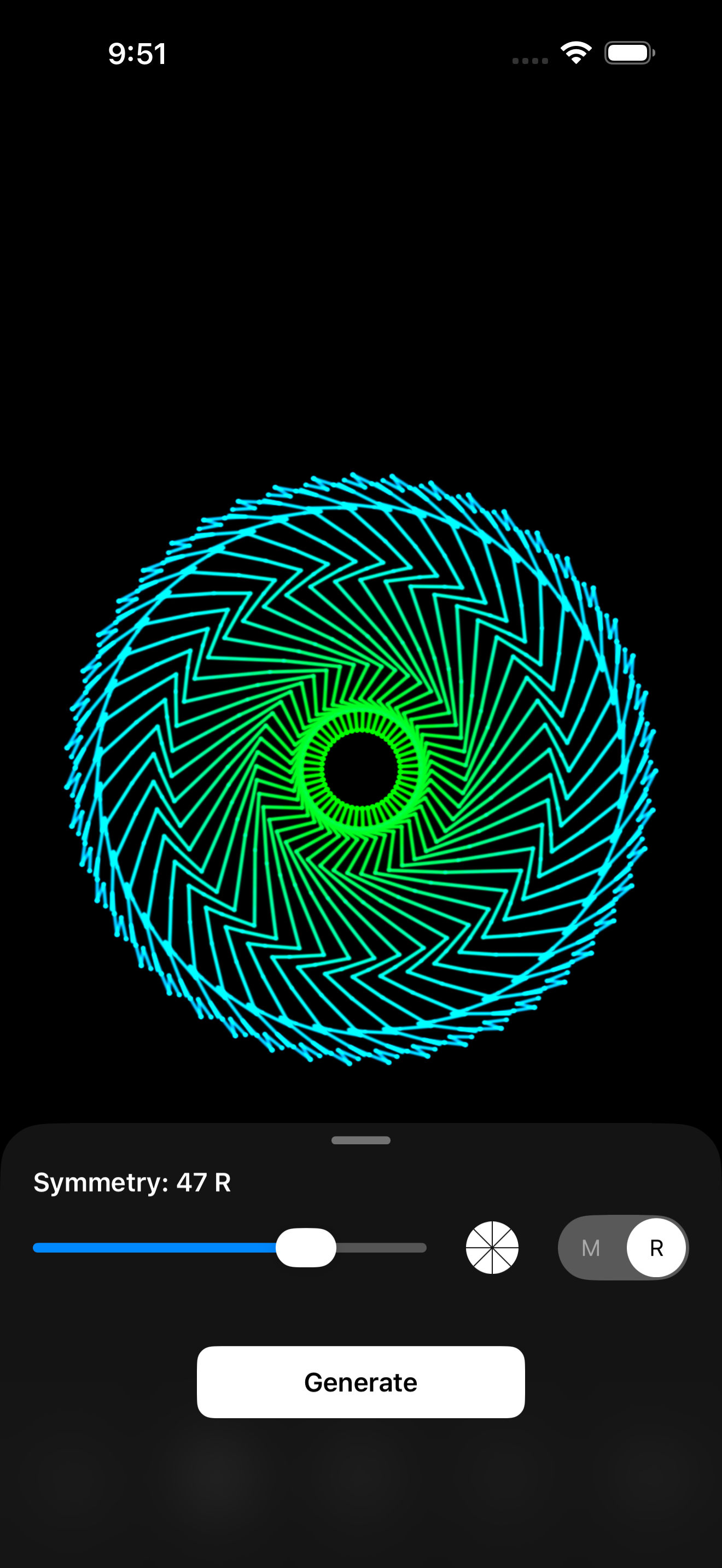
Click any screenshot for the full-resolution PNG (1320 × 2868), grab all four together as a .zip above, or download everything — screenshots, demo video, and icon — in the full press kit.
App Icon
About the Developer
Luke Bradford is an independent iOS developer with a decade-plus body of small, design-led apps built around geometry and restraint. The same sensibility runs through all of them — minimal interfaces, considered color, and a love of getting a single idea exactly right. Symmetry Lab has been a quiet favorite since 2009, continually refined while keeping the same effortless first stroke. Also by Luke: QUARC, a twist on the classic falling block puzzle, and Textile, a quiet, distraction-free notes app.
Press Contact
Questions, requests for promo codes, or interview requests are welcome — I usually reply within a day.