
Symmetry Lab
Create beautiful symmetrical art in seconds. Or hours.

What it does
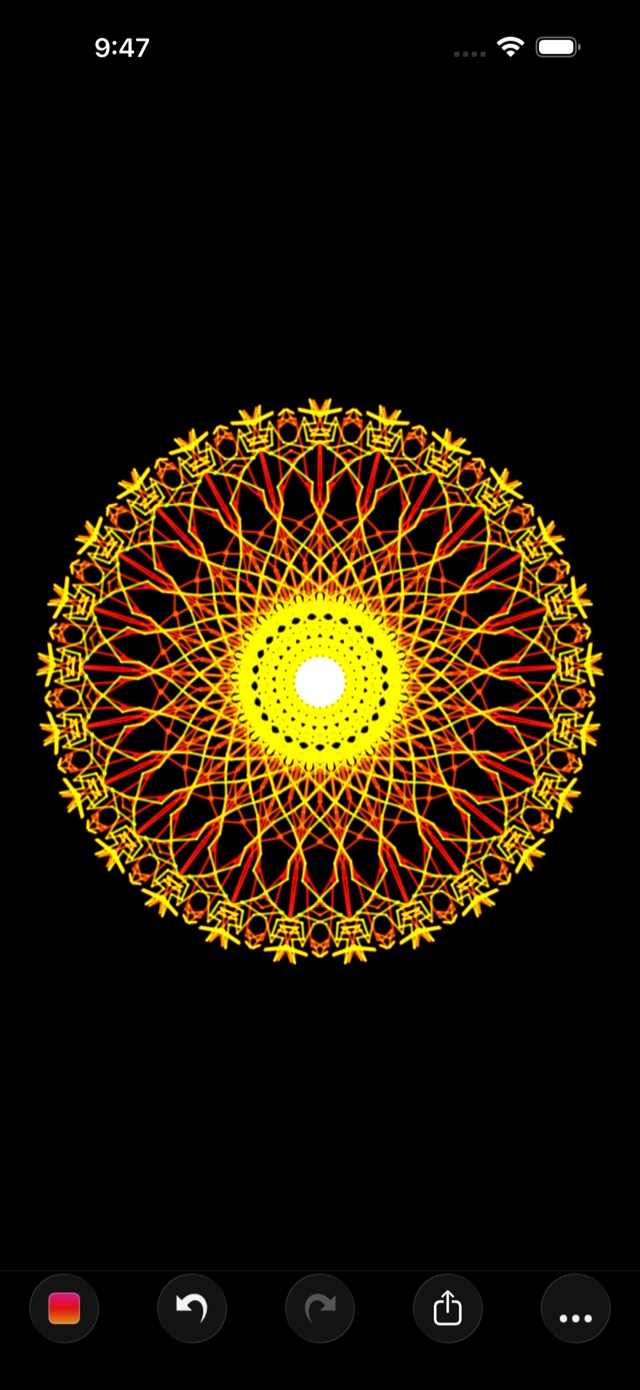
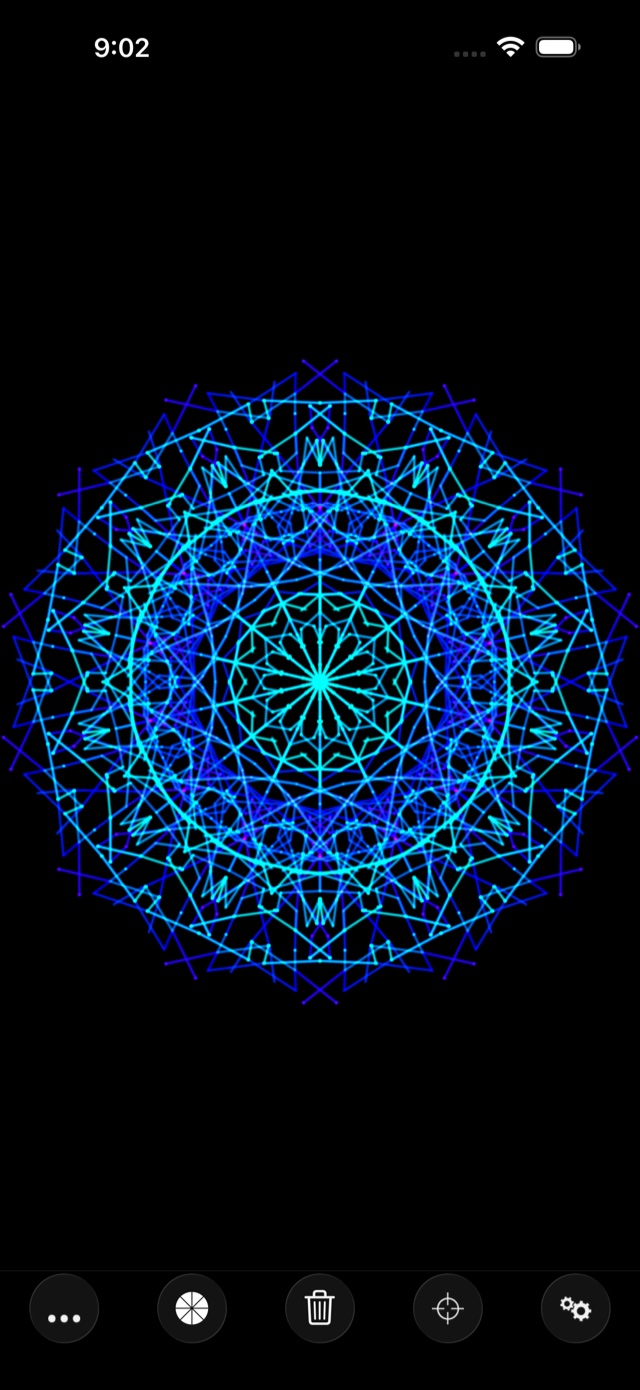
Draw a stroke. Symmetry Lab mirrors it instantly up to 128 times, turning simple gestures into intricate, mesmerizing patterns.
No artistic skill required: pick up the app, make a mark, and watch something extraordinary emerge. Quietly loved by hobbyists, artists, kids, and anyone looking for a few minutes of easy creativity since 2009.
Features
-
Up to 128-fold symmetry
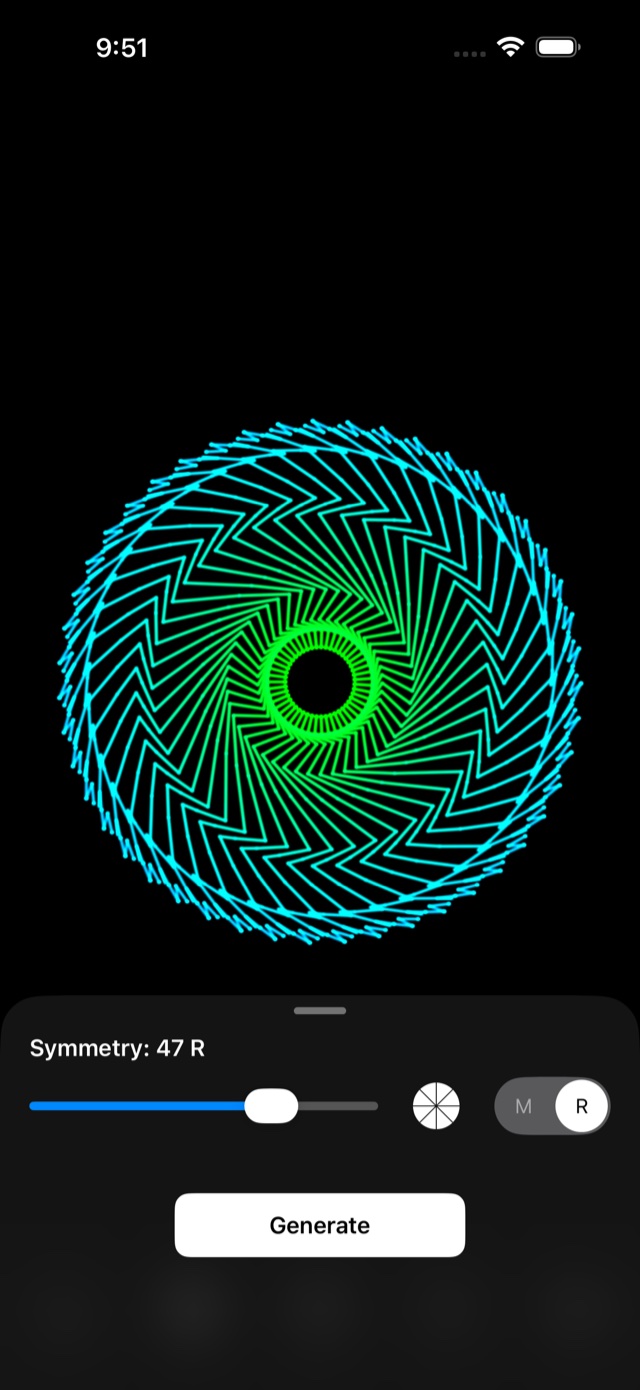
Rotational and mirrored. Start simple, or increase symmetry to watch a line bloom into a complex wheel of reflections.
-
A flexible color system
Paint on black or paper backgrounds, build custom gradients, and choose any color you can imagine — including dynamic palettes (rainbow, fire, and ice) that shift as the stroke travels.
-
Snap-to-grid modes
Align each stroke to a geometric grid (square, hexagonal, and more), for patterns that feel almost engineered.
-
An autonomous mode
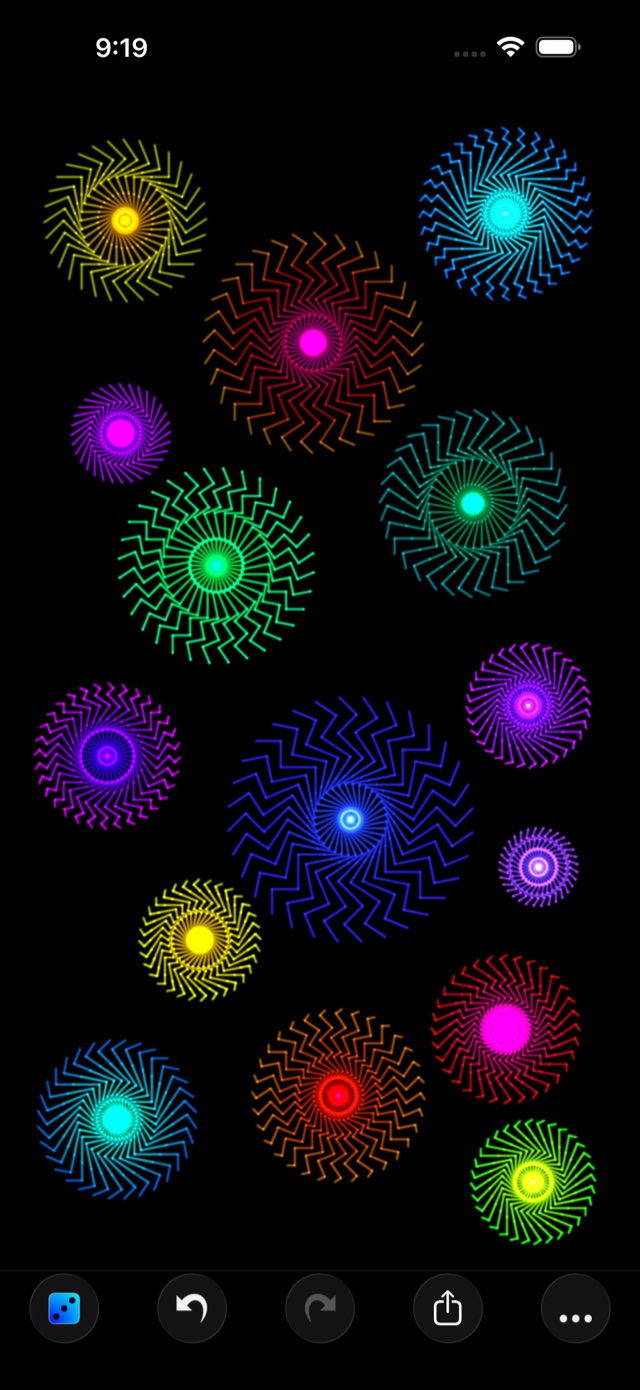
A pattern generator that draws on its own. Press play and watch a hypnotic progression of symmetrical art.
-
Unique brushes
Create texture with jagged, dot, square, and linear brushes for an endless variety of patterns.
-
Share anywhere
Send to Photos, Instagram, Messages, AirDrop — straight from iOS, no accounts, no cloud.
What people say
-
“The new (2026) update is very cool and quite sleek. The gallery feature is awesome!”
Frastdsdszf · ★★★★★ -
“This is by far the most relaxing, blissful, distracting, and mind numbing app I’ve ever had. It’s good for people who like an exact balance of chaos and structure.”
MoonAlchemist33 · ★★★★★
Seventeen years on the App Store
Symmetry Lab first launched in 2009. Over the years since, it has been refined in countless ways from one release to the next, with new brushes, a richer color system, a faster canvas, and much more.
More than a decade and a half later, Symmetry Lab is still effortless to use, but endlessly satisfying to explore.
Free and Pro
Free to download and draw. Custom colors, black and paper backgrounds, and up to 32-fold symmetry are free with Symmetry Lab.
Symmetry Lab Pro adds gradients (including rainbow, fire, ice, and custom gradients) and up to 128-fold symmetry, along with presets and time lapse video export. No ads, no accounts, and your drawings never leave your device.
| Monthly | $1.99 |
|---|---|
| Yearly | $9.99 |
| One time | $19.99 |
Free to download. Draw your first pattern in seconds.